





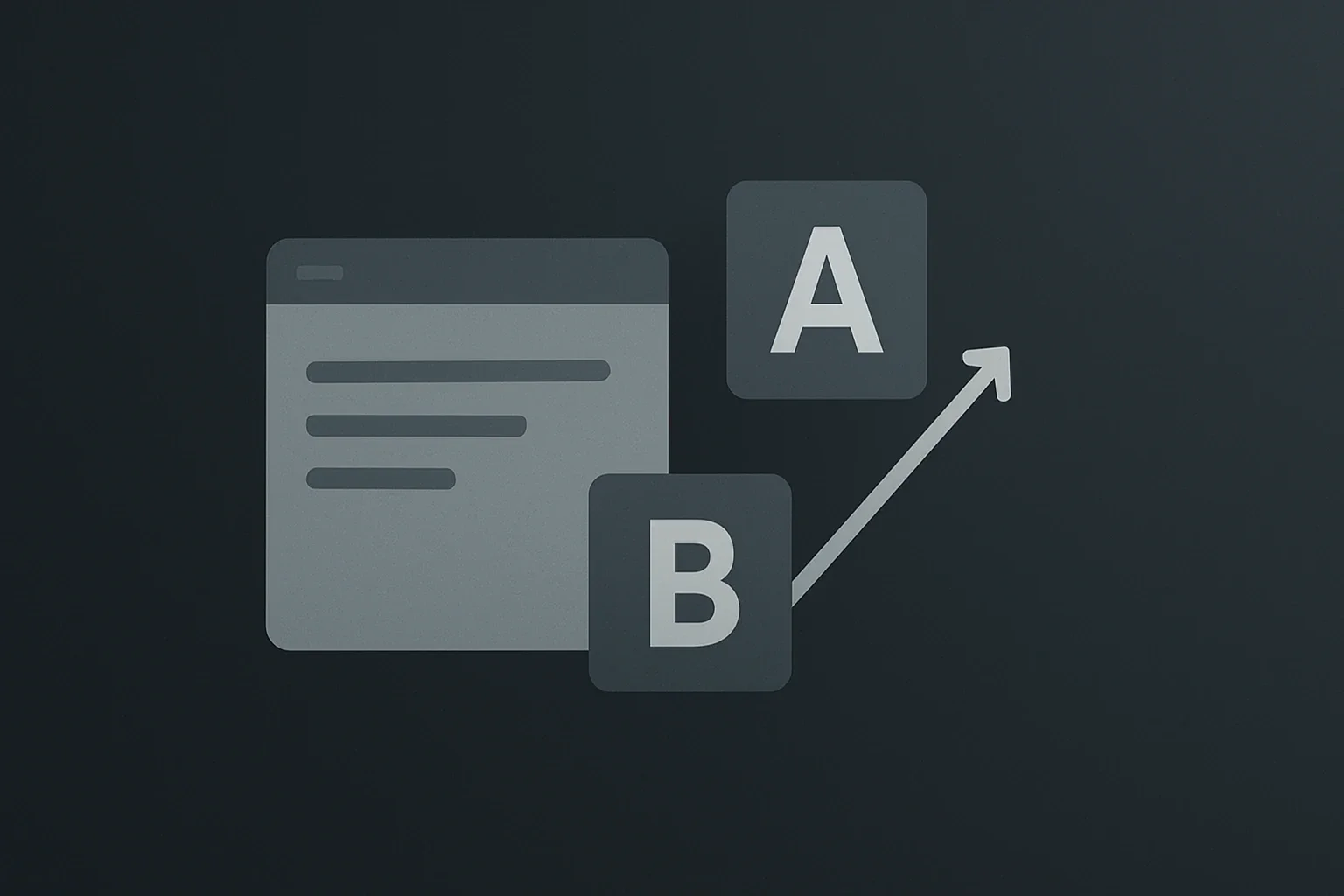
Are you struggling to boost your conversion rates on your WordPress site despite having great content? The secret often lies in making data-driven decisions rather than guessing what your visitors prefer. By implementing wordpress ab testing, you can systematically compare two versions of a page element to see which one performs better, ultimately transforming your user experience and driving more revenue. This comprehensive guide will walk you through everything you need to know about setting up, running, and analyzing A/B tests specifically within the WordPress ecosystem.
Unlocking Data-Driven Growth with Split Testing
A/B testing, also known as split testing, is a powerful methodology where you display two different versions of a specific element to random segments of your visitors to determine which one yields better results. Unlike general analytics that tell you what is happening, wordpress ab testing reveals why it is happening by isolating variables and measuring their direct impact on user behavior. When you run these tests correctly, you gain targeted data on user preferences, allowing you to fine-tune your website and significantly boost your conversion rates.
The beauty of this approach is that you can test almost any website element, from headlines and call-to-action buttons to page layouts and color schemes. However, it is crucial to remember that you should only test one highly-specific element at a time; testing multiple variables simultaneously will make it impossible to pinpoint which change caused the result. To get started, you need a structured approach: identify your test subjects, set clear goals, form hypotheses, and meticulously analyze the results.
Choosing the Right Tools for Your WordPress Journey
Selecting the appropriate tool is the cornerstone of a successful wordpress ab testing strategy. There are several robust plugins and services available that integrate seamlessly with WordPress, ranging from free options to premium enterprise solutions. Here are the top contenders you should consider:
1. Nelio A/B Testing
Nelio A/B Testing is an extremely powerful and easy-to-use plugin designed specifically for WordPress conversion optimization. It offers heatmaps and AI-driven suggestions to help you identify high-impact experiments without guessing. Many users find its interface intuitive, making it a great choice for beginners who want advanced features like visual editing and detailed analytics.
2. VWO (Visual Website Optimizer)
VWO provides a dedicated WordPress plugin that allows you to create and run A/B tests effortlessly without writing a single line of code. By integrating the plugin with your WordPress dashboard and pasting your account ID, you can define URLs, set hypotheses, and track metrics like form submissions and clicks directly from the VWO dashboard. This tool is particularly strong for businesses that need enterprise-level tracking and reporting capabilities.
3. Thrive Optimize
If you are already using the Thrive Themes ecosystem, Thrive Optimize is an excellent built-in tool for wordpress ab testing that integrates directly with Thrive Builder. It allows you to create variants, set conversion goals, and monitor performance in real-time, all within the same user interface you use to build your site.
4. OptinMonster
OptinMonster is specialized for testing lead generation forms and popups, making it a top choice if your primary goal is to increase sign-ups. It offers a split-testing feature that allows you to compare different opt-in form designs to see which one captures the most emails.
5. Humblytics
For those looking for a cookie-free solution, Humblytics is a straightforward tool that makes testing landing pages incredibly simple. Its privacy-friendly approach is becoming increasingly important as web regulations tighten, ensuring you remain compliant while optimizing your site.
For a more detailed comparison of these tools and their pricing, you can visit resources like Best Split Testing Tools for WordPress in 2026. Additionally, if you are looking for a hosting environment that is optimized for WordPress performance, we highly recommend Kinsta, as they offer a fast, secure, and scalable platform that is perfect for running intensive A/B tests without downtime. We are affiliated with Kinsta, so you can trust their quality for your critical experiments.
The Four-Step Framework for Running Successful Tests
Running a wordpress ab testing campaign requires more than just installing a plugin; it demands a strategic process. Follow this four-step framework to maximize your results.
Step 1: Identify Potential Test Subjects
Technically, you can run an A/B test for almost any variable, but an ideal test subject must meet specific criteria. First, the page or element needs to receive a decent amount of traffic; without enough visitors, your results will not be statistically significant. Second, there must be room for improvement, so you can clearly gauge the test results. Finally, you must be able to create variations of the test subject easily. If your pages get under 1,000 monthly visitors, focus on testing your highest-traffic pages first, as most tests need 2–4 weeks to reach statistical significance.
Step 2: Decide on Your Goals
Once you have a subject, you must set a clear goal for your test. Common metrics include clicks, page impressions, mouseovers, and bounce rates. You might also track form submissions or purchases if you are testing a checkout page. For example, if you are testing a headline, your goal might be the number of clicks on the link below it. Select the metric that aligns best with your business objectives before launching the test.
Step 3: Choose a Hypothesis
With a variable and a metric in place, you need to formulate a hypothesis to run your experiment. A strong hypothesis explains why you think a specific change will improve the metric, such as “Changing the button color to red will increase clicks because it stands out more against the white background”. This step prevents you from guessing and ensures your test is based on logical reasoning.
Step 4: Run Your Test and Analyze the Results
Now you can finally put your test into action using your chosen A/B testing tool. You will need to show visitors both versions of your test subject, typically splitting traffic 50/50. In our experience, a successful A/B test requires a sample size of at least a few thousand visitors to ensure reliability. The smaller your sample pool, the less reliable your results, so do not rush the process. Once you have enough data—usually requiring at least 1,000 visitors per variant—you can end the test and determine which version performed better according to your goal. Then, implement the winning version on your live website and monitor the long-term impact.
For more insights on how to interpret your data and avoid common pitfalls, check out How to Run A/B Tests on Your Emails, which offers universal principles applicable to WordPress as well.
What Elements Should You Test First?
When beginning your journey with wordpress ab testing, it is easy to feel overwhelmed by the number of options. Start with high-impact elements that directly influence user behavior. Here are the most effective elements to test:
- Headlines: Compare two different headlines to see which one attracts more attention and encourages readers to stay on the page.
- Call-to-Action (CTA) Buttons: Test different colors, sizes, text, and shapes to determine which CTA generates the most clicks.
- Page Layouts: Compare a single-column layout against a multi-column layout to see which one improves readability and engagement.
- Color Schemes: Test two different color schemes to see which one is more favorable for your audience and brand perception.
- Opt-in Forms: Test variations of your lead capture forms, such as the number of fields or the placement of the form, to increase sign-ups.
- Footer and Sidebar Layouts: Compare a three-column footer versus a four-column footer to see which is more user-friendly.
- Subheads and Graphic Elements: Test different subheadings or image placements to see if they improve content flow.
For a deep dive into creating landing pages quickly to test these elements, you can refer to Five Great WordPress A/B Testing Tools to Optimize Conversion Rate by Kinsta, which includes a detailed tutorial on landing page creation. Remember to isolate each element and test them separately to get accurate data.
Best Practices to Avoid Common Pitfalls
To ensure your wordpress ab testing efforts yield meaningful results, adhere to these critical best practices:
- Make Variations Different Enough: Ensure your variations are distinct to avoid confusing visitors and to clearly see the impact of the change.
- Set Clear Goals and Hypotheses: Never start a test without a defined goal and a logical hypothesis.
- Use Random Selection: Always select your pool of testers randomly to ensure unbiased results.
- Run Until Statistical Significance: Give your test enough time to accumulate a statistically significant result; usually, most tests need 2–4 weeks.
- Avoid Testing Multiple Variables: Only test one element at a time to pinpoint the cause of any change in conversion results.
- Monitor Secondary Metrics: Besides conversion rates, monitor bounce rates, time on page, and click-through rates to understand visitor engagement.
For more advanced strategies on ensuring your test is worthwhile, refer to the guidelines provided by Themeisle, a trusted resource for WordPress tips and tutorials.
Real-World Case Study: Optimizing a WordPress Form
Let’s look at a practical example of how wordpress ab testing can be applied to a WordPress form. Imagine you are using Ninja Forms and want to increase submission rates. You can start by duplicating your current form, changing one specific element (like the button color or the label text), and using a split testing tool like Nelio to split the traffic.
You would create Version A (the original) and Version B (the modified form) and set the conversion goal to “visit Thank You page” or “form submission”. Let the tool split traffic 50/50 and run the test until you have enough data, typically until the tool identifies a winner or you reach your threshold. Once the data is sufficient, replace the original form with the winning variant and consider a new test, such as changing the microcopy or adjusting required fields. This iterative process allows you to squeeze out even more wins over time.
For more details on how to use split testing specifically for forms, you can visit A/B Test (Split Test) a WordPress Form: Free & Easy Tools by Ninja Forms.
Conclusion and Next Steps
Implementing wordpress ab testing is one of the most effective ways to optimize your WordPress site and maximize your conversion rates. By following a structured approach, choosing the right tools, and testing high-impact elements, you can transform your website into a data-driven powerhouse. Remember to always test one variable at a time, run your tests until they are statistically significant, and implement the winning changes to see real results.
If you are ready to take your WordPress optimization to the next level but need expert assistance, the team at Belov Digital Agency is here to help. We specialize in WordPress development, performance optimization, and conversion strategy for businesses across the USA, UK, and Canada. Don’t guess what your visitors want—let the data tell you. Contact us today to get started:
For more resources on WordPress best practices, check out our blog posts on Kinsta integration and other optimization tips. Whether you are testing headlines, buttons, or entire page layouts, the right approach to wordpress ab testing will ensure your site continues to grow and succeed.







