Building a Scalable Human-Centric Framework for Complex Organizations
Effective UX strategy for enterprise organizations is not merely about making a website look good; it is about designing a scalable, data-driven ecosystem that aligns complex business workflows with the diverse needs of employees, customers, and partners while maintaining high performance and security . When integrating this strategy with enterprise UX WordPress solutions, the focus shifts to leveraging the platform’s modular nature to create unified front-end experiences that support massive content volumes, multi-lingual requirements, and rigorous security standards without compromising speed or accessibility .
At Belov Digital Agency, we view enterprise UX as the bridge between corporate strategy and user behavior, ensuring that digital transformation initiatives deliver tangible ROI through improved conversion rates and reduced friction . This deep integration requires a strategic approach that goes beyond standard template customization, demanding a custom architecture that prioritizes information architecture (IA), performance optimization, and inclusive design principles tailored for the enterprise scale .
The Core Pillars of Enterprise UX on WordPress
Enterprise environments differ significantly from small business sites due to the sheer scale of users, the complexity of data, and the strict regulatory requirements. A successful strategy for enterprise UX WordPress must be built on four foundational pillars that address these unique challenges.
1. Unified Front-End Architecture
Enterprise organizations often suffer from fragmented digital experiences where different departments use disjointed tools. A robust UX strategy must implement a front-end unification strategy that spans across product lines, creating a consistent visual identity and user journey regardless of the underlying backend complexity . In WordPress, this is achieved by using modular plugins and custom post types to standardize how content is displayed, ensuring that a user moving from a portfolio page to an event page experiences the same navigation logic and visual hierarchy .
For large-scale deployments, this often involves moving toward headless WordPress architectures where WordPress serves as the content backend while the front end is built with modern frameworks like React or Vue, allowing for faster load times and more dynamic interactions that traditional themes cannot support . However, even within a traditional WordPress setup, using flexible builders like Elementor or the native Gutenberg editor allows teams to create reusable component blocks that maintain consistency across thousands of pages .
2. Performance as a UX Metric
In the enterprise context, speed is usability. A delay of even a few seconds can lead to significant drop-offs in user engagement and conversion, making performance optimization a critical UX component rather than just a technical requirement . Strategies include implementing aggressive caching mechanisms to serve static files, compressing images without quality loss, and minimizing CSS and JavaScript files to reduce server load .
Choosing the right hosting infrastructure is paramount. For enterprise clients, we strongly recommend partnering with specialized providers like Kinsta, which offers managed WordPress hosting with built-in performance optimization, automated backups, and enterprise-grade security that ensures reliability under heavy traffic loads . Using a Content Delivery Network (CDN) further distributes content globally, ensuring that users in different regions experience fast load times regardless of their physical distance from the server .
3. Accessibility and Inclusivity by Design
Enterprise UX must be accessible to all users, including those with disabilities, as this is not only a legal requirement in many jurisdictions but also a moral imperative for large organizations . This involves using legible typography, ensuring high color contrast for readability, and providing alt text for all images to support screen readers .
WordPress offers robust tools for accessibility, but the strategy must go deeper. Designers should conduct regular accessibility audits using tools like the WebAIM scanner to ensure compliance with WCAG 2.1 standards . Implementing features like keyboard navigation support, closed captions for videos, and adjustable font sizes empowers visitors with controls for desired interaction, fostering a more inclusive digital environment .
4. Data-Driven Iteration and Personalization
Enterprise UX is never “finished”; it requires a cycle of continuous testing, learning, and improvement . Strategies must include the integration of Google Analytics and behavior tracking tools like Hotjar to visualize user paths, identify friction points, and understand where users drop off . This data allows teams to make informed decisions about design changes rather than relying on assumptions.
Furthermore, AI-powered personalization is becoming a standard expectation in enterprise UX. By leveraging dynamic content, WordPress sites can display different information based on a user’s location, behavior, or past purchases, offering tailored recommendations that enhance the user experience . For example, a B2B enterprise site might show different case studies to a user from the healthcare industry versus one from the finance sector, increasing relevance and engagement .
Strategic Implementation: From Audit to Launch
Executing an enterprise UX strategy requires a methodical, step-by-step approach. The process typically begins with a comprehensive audit and moves through design, development, and continuous optimization. Below is a detailed roadmap for implementing these upgrades.
Step 1: Comprehensive Site Audit
The first step is to audit the current site to identify existing friction points, performance bottlenecks, and accessibility issues. This involves using tools like Google Analytics to analyze traffic patterns and Hotjar to observe real user behavior .
- Analyze User Input Points: Audit all forms, checkout pages, and contact points for friction. Look for high drop-off rates and identify where users are confused .
- Performance Review: Use PageSpeed Insights and GTmetrix to measure Core Web Vitals and identify slow-loading elements .
- Accessibility Check: Run automated tests and manual reviews to ensure the site meets WCAG standards .
Step 2: Information Architecture and Content Strategy
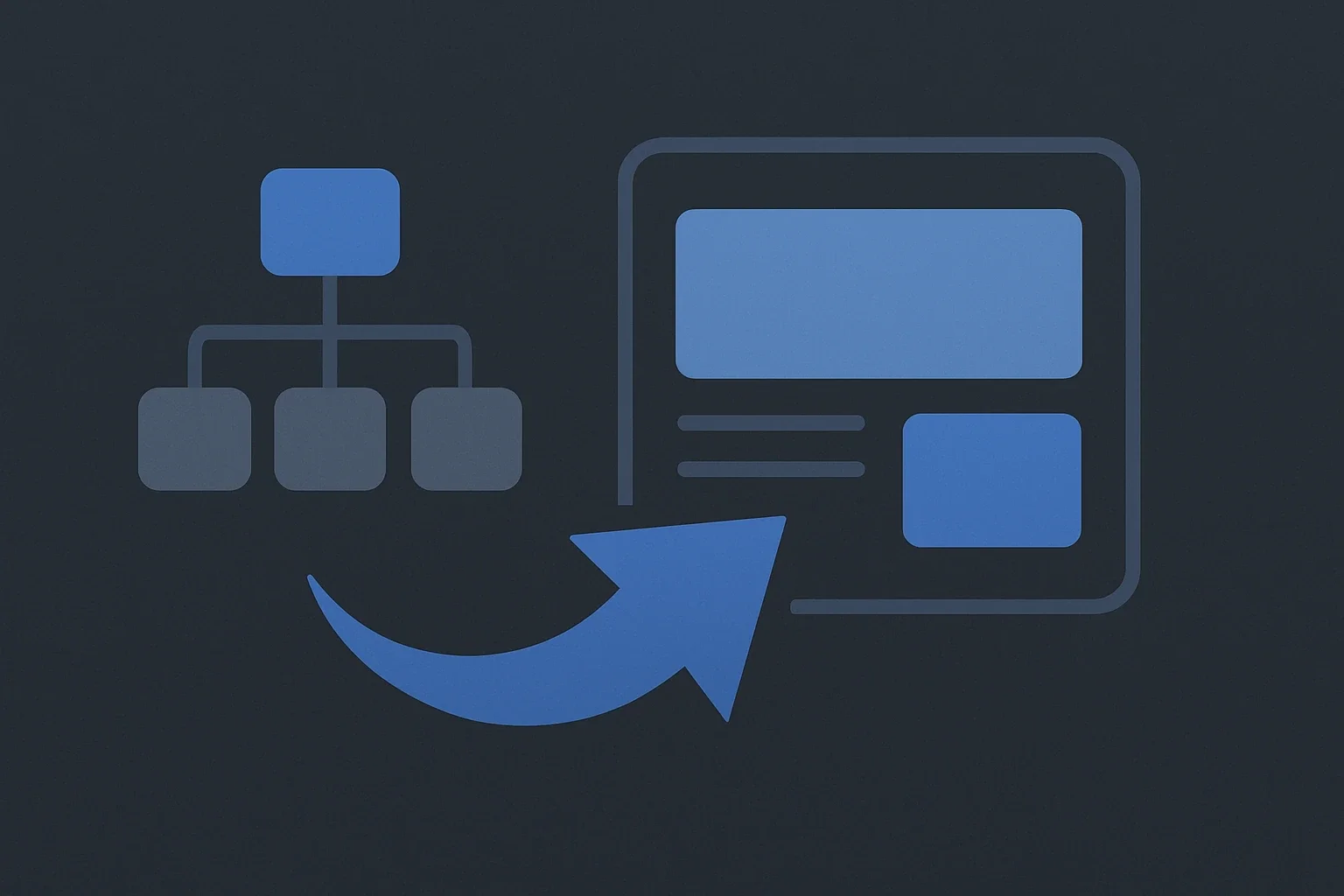
Before designing the visual layer, you must define the structure. Enterprise sites often suffer from complex navigation menus that overwhelm users. A strategic approach involves limiting primary navigation to the most important pages and using secondary menus for less critical content .
Organize content with clear, descriptive headings and subheadings to make it easier for users to skim . Implement a sticky navigation menu that stays visible while users scroll, ensuring easy access to important sections at any time . Use a simple menu structure with logical organization and avoid dropping down too many levels of hierarchy .
Step 3: Design Iteration and Prototyping
Design should be iterative. Prototype the new UX and test it with real users before full implementation. Tools like UserTesting allow you to gather feedback on prototypes and identify areas for improvement .
- Prioritize Hierarchy: Use larger headings, bold Call-to-Actions (CTAs), and ample whitespace to guide the user’s eye .
- Mobile-First Design: Since over 60% of users are on mobile, design for mobile first using responsive themes and testing on real devices .
- Accessible Typography: Stick to one or two fonts and a consistent color palette to avoid visual clutter and ensure readability .
Step 4: Development and Performance Optimization
During development, focus on building modular plugins that follow WordPress coding standards to ensure scalability . Optimize the site by minifying CSS/JS, compressing images, and leveraging caching to improve loading speed .
Security is a critical component of enterprise UX. Users must trust the platform. Implement enterprise-grade security measures such as SSL certificates, multi-factor authentication (MFA), and regular updates to the WordPress core, plugins, and themes to protect against vulnerabilities . Choosing a reliable hosting provider like Kinsta is essential for ensuring these security and performance standards are met .
Step 5: Launch, Monitor, and Iterate
After launching, the process of optimization continues. Use A/B testing tools like Optimizely or Nelio A/B Testing to experiment with variations and refine conversion rates .
Track Everything: Continuously monitor conversion goals, heatmaps, and behavior data to understand user needs . Gather user feedback through surveys and feedback forms to identify pain points and refine the design iteratively . Small, consistent improvements over time lead to a better overall experience .
Real-World Case Studies and Best Practices
To understand the impact of a robust UX strategy, it is helpful to look at how these principles are applied in real-world scenarios. We have observed several patterns where specific UX tactics have driven significant results for enterprise clients.
Case Study: Reducing Friction in B2B Checkout Processes
In a recent project for a large B2B enterprise, the client faced high drop-off rates on their checkout pages. Our team performed a deep audit and identified that the lack of inline validation and confusing error messages were the primary causes . By implementing inline validation, providing helpful error messages, and ensuring accessible labeling, we significantly reduced drop-offs and improved the user experience .
Additionally, we optimized the page speed and Core Web Vitals to reduce load times, which directly correlated with an increase in completion rates . Strategic placement of CTAs and form optimization were key to reducing friction and increasing conversion .
Case Study: Enhancing Navigation for Multi-Department Enterprises
A global enterprise with multiple departments struggled with a cluttered navigation menu that confused users. We restructured their menu by limiting primary navigation to essential pages and using secondary menus for listing less important content . This simplification guided focus and highlighted the action, aligning with the principle of minimalism .
We also incorporated a sticky navigation menu and an easy-to-use search bar, allowing users to quickly find content without navigating through multiple pages . The result was a more intuitive user journey where important sections were easily accessible .
Advanced Tactics for Enterprise WordPress UX
Beyond the foundational steps, enterprise UX requires advanced tactics that leverage the full potential of the WordPress platform. These include leveraging custom post types, integrating AI, and ensuring robust security.
Custom Post Types for Specialized Content
Enterprise sites often host diverse content types such as portfolios, events, testimonials, and technical documentation. Implementing custom post types allows for specialized content management and ensures that these elements are displayed consistently and intuitively . This approach improves usability by centralizing information and making it easier for users to find what they need .
AI-Powered Personalization and Dynamic Content
Modern enterprise UX is increasingly driven by AI. By using dynamic content features, WordPress sites can display different content to users based on their location, behavior, or preferences . This allows for tailored recommendations and personalized experiences that significantly enhance engagement . For instance, a user browsing for enterprise software might see relevant case studies and pricing options, while a visitor looking for support might see troubleshooting guides .
Robust Security as a UX Foundation
Security is not just a backend concern; it is a fundamental part of the user experience. Users need to feel safe when interacting with an enterprise site. Implementing HTTPS with SSL certificates, enabling multi-factor authentication (MFA), and keeping the site updated are essential for building trust and protecting user data . Regular security audits and updates prevent vulnerabilities that could disrupt the user experience .
Optimizing Performance and Accessibility for Global Reach
Enterprise organizations often serve a global audience, making performance and accessibility critical for success. Fast-loading, accessible websites are critical for retaining users and meeting regulatory requirements .
Mobile-First and Responsive Design
With over 60% of users accessing sites via mobile devices, a mobile-first approach is non-negotiable . This involves using responsive themes, testing on real devices, and ensuring that all essential components are visible and easily accessible on mobile . Mobile checkout processes should be minimized in steps, with guest options added to reduce friction .
Accessibility Standards and Inclusivity
Accessibility is a key principle in 2026 enterprise UX. This includes using alt text for images, providing closed captions for videos, and ensuring proper color contrast for readability . Itineris highlights that accessibility and inclusivity are among the most important principles right now, alongside AI-powered personalization and lightweight designs .
Regularly testing the site across devices and browsers ensures a seamless experience for all users . Staying updated with the latest WordPress tools, trends, and best practices is essential for maintaining a high level of accessibility .
The Role of the Right Tools and Partners
Executing a successful enterprise UX strategy requires the right tools and the right partners. The WordPress ecosystem offers a wide range of plugins and themes, but selecting the right ones is crucial for performance and scalability.
Choosing the Right Hosting Provider
The hosting provider is the foundation of your site’s performance. For enterprise clients, we recommend Kinsta, which provides managed WordPress hosting with built-in performance optimization, automated backups, and enterprise-grade security . Kinsta’s infrastructure ensures that your site remains fast and reliable under heavy traffic loads, a critical factor for enterprise success .
Essential Plugins and Tools
To optimize performance and UX, consider using the following tools:
- Performance Optimization: WP Rocket and SiteGround Optimizer for caching and image compression .
- Analytics and Testing: Google Analytics for conversion goals, Hotjar or Crazy Egg for heatmaps and behavior analysis, and Nelio A/B Testing for experimentation .
- Design and Prototyping: UserTesting for user feedback, and Optimizely for A/B testing .
Partnering with an Expert Agency
While WordPress is user-friendly, enterprise-level UX requires deep expertise. Partnering with a specialized agency like Belov Digital Agency ensures that your UX strategy is aligned with your broader business goals . Our team of experts can help you audit your current site, design iterative upgrades, and implement enterprise-grade security measures .
For more information on how we can help you transform your enterprise UX, please Contact Us to discuss your project .
Future Trends in Enterprise UX for 2026 and Beyond
The landscape of enterprise UX is evolving rapidly. As we move through 2026, several key trends are shaping the future of digital experiences for large organizations.
AI-Powered Personalization
AI is no longer just a buzzword; it is a core component of enterprise UX. AI-powered personalization allows for dynamic content delivery, tailored recommendations, and predictive user interactions that enhance the overall experience . This trend is expected to grow as enterprises seek to provide more relevant and engaging experiences for their users.
Voice Interface Optimization
With the increasing use of voice assistants, optimizing for voice interface is becoming essential. This involves ensuring that your site is compatible with voice search and navigation, allowing users to interact with your content using spoken commands .
Sustainable and Lightweight Designs
As environmental concerns rise, there is a growing focus on sustainable and lightweight designs. This involves reducing the energy consumption of digital products by optimizing code, using efficient images, and minimizing the number of resources loaded . Sustainable design is not just about ethics; it also improves performance and user experience.