





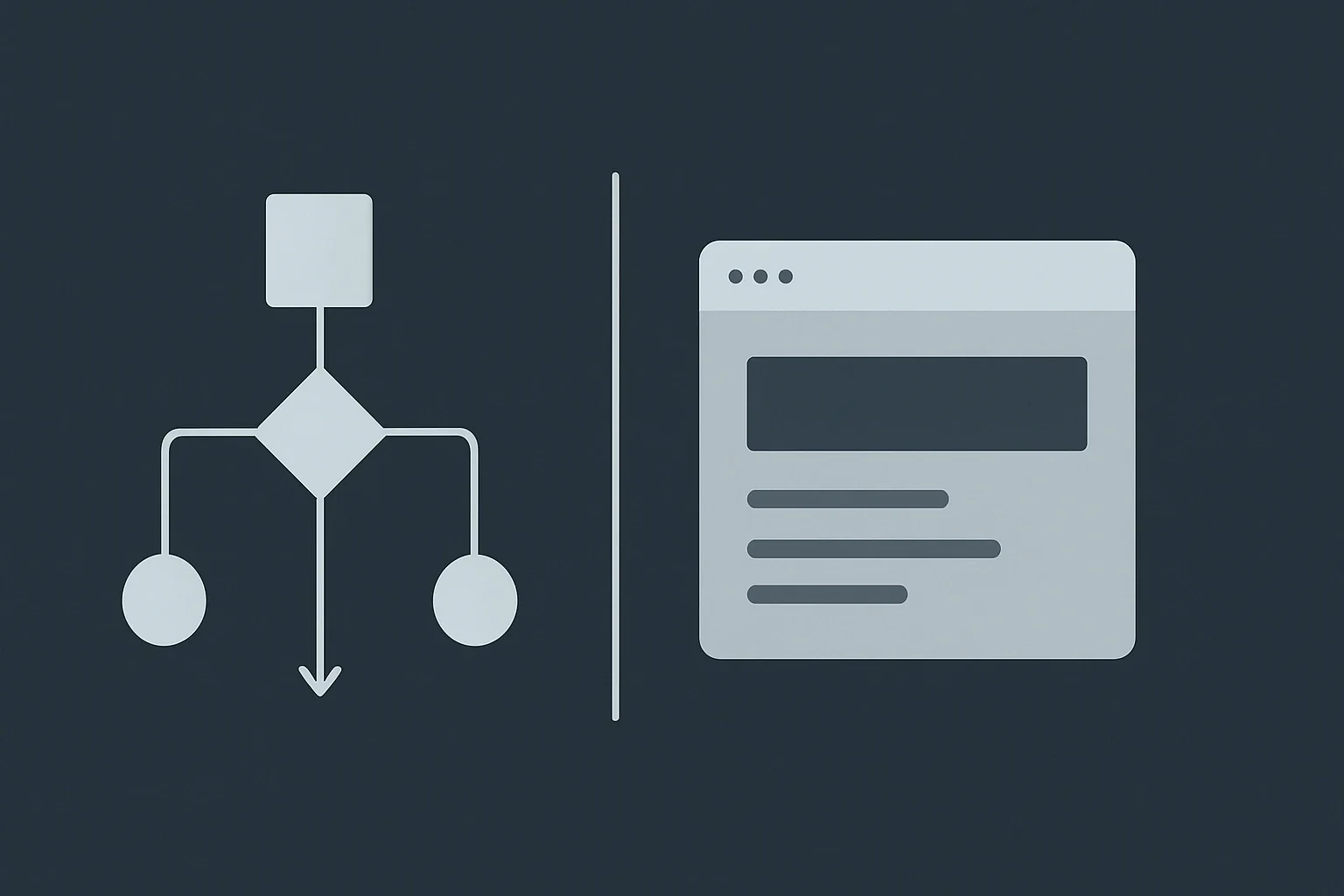
When comparing no code vs custom automation, the right choice usually comes down to speed, complexity, ownership, and long-term scalability. No-code automation is best when you need to launch quickly and empower non-technical teams, while custom automation is better when the workflow is core to your product, requires deep integrations, or must handle high scale and strict security requirements.
For Belov Digital, the most practical answer is rarely “one or the other.” In real projects, the best systems often start with no-code for validation and then evolve into custom automation where the business case justifies it. That hybrid approach is especially common for growing companies in the USA, UK, and Canada that need fast execution without painting themselves into a corner.
Why Automation Strategy Matters More Than the Tool
Automation is no longer just about saving time on repetitive tasks. It now affects how quickly teams respond to customers, how reliably data moves across systems, and how much operational overhead a business carries as it grows.
No-code automation platforms let non-technical users build workflows visually, using triggers, actions, templates, and drag-and-drop logic. Custom automation, by contrast, is built with code and typically offers full control over logic, architecture, integrations, and performance characteristics.
That difference matters because the wrong choice can create hidden costs. A no-code stack that looks cheap at first can become fragile if the workflow becomes mission-critical, while a custom build can consume unnecessary time and budget if a simple business process could have been solved in a visual platform.
What No-Code Automation Is Good At
No-code automation is designed to help teams create workflows without programming skills. Tools such as Zapier, Make, n8n, Activepieces, and Kissflow are widely used for connecting apps, moving data, sending alerts, and coordinating routine processes.
This approach is particularly effective for operational workflows like lead routing, form submissions, invoice notifications, CRM updates, approval flows, onboarding checklists, and content handoffs. For many businesses, especially those without a dedicated engineering team, no-code is the fastest way to automate work without introducing a heavy development cycle.
Best use cases for no-code
- Internal operations and admin workflows
- Marketing and sales automation
- Lead capture and notification flows
- Client onboarding and status updates
- Simple data synchronization between tools
- Prototyping ideas before investing in custom development
For example, a consulting firm might use no-code to route new inquiries from a website form into a CRM, send a Slack notification to the sales team, create a task in project management software, and trigger a welcome email. That type of workflow is a strong fit because it is repetitive, structured, and business-oriented rather than product-defining.
Where Custom Automation Wins
Custom automation is the right choice when the workflow is deeply tied to the business model, requires specialized business logic, or must operate at a level of scale and reliability that general-purpose platforms cannot comfortably support.
Custom-built systems are also preferred when you need advanced permission models, proprietary logic, unusual data structures, sensitive data handling, or integrations with legacy systems that are not well supported by off-the-shelf tools. If the software itself is the product, custom usually wins.
Best use cases for custom automation
- Product logic that differentiates your business
- High-volume workflows with strict latency requirements
- Complex approval chains and role-based access control
- Multi-system integrations with non-standard APIs
- Regulated environments with stronger compliance needs
- Automation that must be owned and extended by engineering teams
A marketplace platform, for instance, may need custom automation to handle pricing rules, commission calculations, fraud checks, escrow-related workflows, and user permissions across multiple services. Those requirements often outgrow no-code because the business logic is not just operational convenience; it is part of the core product architecture.
The Real Decision Factors Behind No-Code vs Custom Automation
The strongest decision frameworks do not start with tools. They start with the nature of the workflow, who maintains it, and what happens if the system fails or becomes hard to change.
1. Is this workflow supporting the business, or is it the business?
If the workflow supports sales, operations, onboarding, or service delivery, no-code often makes sense. If it is the product you sell, or a major part of your competitive advantage, custom automation is usually safer long term.
2. How much scale do you need?
No-code tools are often excellent for standard business operations and moderate data volumes. But when you need sub-second performance, huge transaction loads, or millions of operations per day, custom infrastructure becomes the better fit.
3. Who will own the system in three years?
A major advantage of no-code is that business teams can often maintain it without heavy technical support. Custom automation usually requires engineering ownership, which can be a strength when technical depth is needed and a weakness when the company wants non-technical teams to iterate quickly.
4. What is the cost of delay?
If waiting six months or a year to launch would damage revenue, market share, or client retention, no-code can reduce risk by getting a workflow live quickly. In those cases, speed is not just convenience; it is strategic protection.
5. How much flexibility will you need later?
No-code platforms are fast because they standardize common patterns. That same standardization can become a limitation when a process needs uncommon branching logic, custom data handling, or deep integrations that go beyond a tool’s intended scope.
A Practical Comparison of No-Code and Custom Automation
| Factor | No-Code Automation | Custom Automation |
|---|---|---|
| Speed to launch | Very fast | Slower |
| Technical skill required | Low | High |
| Flexibility | Moderate | Very high |
| Scalability | Good for many business workflows | Best for complex, high-scale systems |
| Maintenance | Often easier for business users | Usually requires developers |
| Upfront cost | Lower | Higher |
| Long-term control | Limited by platform constraints | Full control over architecture |
| Best for | Operations, marketing, internal systems | Products, advanced logic, regulated systems |
This pattern is consistent across multiple industry guides: no-code emphasizes accessibility and speed, while custom development emphasizes control, scale, and complex functionality.
Where Low-Code Fits Into the Conversation
Although this article focuses on no code vs custom automation, low-code sits between the two and often serves as a bridge. Low-code platforms let teams add some code when the visual builder is not enough, which is helpful for businesses that want more flexibility without building everything from scratch.
That middle ground is valuable for internal tooling, enterprise workflows, and systems that need customization but not a full custom architecture. In many organizations, low-code becomes the stepping stone from operational simplicity to more advanced software delivery.
If your team is evaluating the spectrum, it can be useful to compare no-code, low-code, and custom development in the same planning session rather than treating them as separate decisions.
Common Tools and Platforms People Use
In the no-code automation ecosystem, some of the most frequently discussed tools include Zapier, Make, n8n, UiPath, Workato, Pipefy, and Kissflow.
For database and app-building workflows, tools such as Airtable, Softr, and Bubble are often used alongside automation platforms. In more technical teams, self-hosted or open-source options such as n8n and Activepieces can provide more control while still preserving the no-code or low-code workflow experience.
For teams using broader business ecosystems, Salesforce and Microsoft Power Platform often enter the discussion because they combine automation with CRM or enterprise application capabilities.
Case Study Patterns That Show the Difference
Instead of thinking in abstractions, it helps to look at how businesses actually use these approaches.
Case study pattern 1: A service business automating lead intake
A professional services agency receives inquiries through website forms, chat tools, and email. The team wants every lead to be logged, scored, assigned, and followed up automatically. This is a classic no-code use case because the workflow is structured, repeatable, and driven by operational efficiency.
A platform like Make or Zapier can connect the form, CRM, calendar, and email platform quickly, with little or no custom code. If the company later needs more advanced routing logic or custom scoring models, it can evolve part of the workflow into custom automation while keeping the basic intake process in place.
Case study pattern 2: A SaaS company building its core workflow engine
A software company sells subscription access to a platform with custom approvals, billing rules, usage limits, and user permissions. Here, custom automation is usually the better path because the logic is not just an operational layer; it defines the product experience and revenue model.
In this scenario, using a no-code platform for a temporary prototype may still be sensible, but the production system often needs a custom backend to preserve performance, security, and ownership.
Case study pattern 3: An internal operations team modernizing slowly
A mid-sized company wants to replace spreadsheet-heavy processes with digital workflows but does not want a long software project. No-code often works well here because it allows the team to automate approvals, reminders, and status tracking without waiting on a full engineering roadmap.
This is where Belov Digital often recommends a staged approach: start with a manageable no-code workflow, measure the operational benefit, and only then decide whether a custom rebuild is worth the investment.
How Belov Digital Approaches Automation Projects
At Belov Digital Agency, automation strategy should support business goals, not just technology preferences. That means selecting the right tool for the current stage of growth, then designing for future flexibility where it matters most.
For some clients, the right answer is a well-structured no-code stack built around platforms like Make, Zapier, Airtable, and other connected tools. For others, the project needs custom integrations, API-first architecture, or WordPress-based workflows that are better solved with tailored development and long-term maintainability.
When a business is unsure which route to take, a discovery phase is often the most valuable first step. It clarifies what should be automated, what must be customized, and what can be delayed until the business proves the workflow is worth deeper investment. If you want support evaluating that path, you can Contact Us directly.
When to Start with No-Code and When to Skip It
A practical rule is to start with no-code if the workflow is likely to change, the business wants fast validation, or the process is internal and does not require extreme complexity. This is especially true for startups, agencies, service companies, and lean teams that need momentum before they need perfection.
You should skip directly to custom automation if the workflow is central to your product, needs specialized security or compliance controls, must handle large scale, or depends on advanced integrations that no-code tools cannot realistically support.
The smartest teams do not treat no-code as “less serious” than custom. They treat it as a strategic shortcut for the right class of problems.
Risks to Watch Before You Commit
Every automation approach has trade-offs. No-code can introduce platform dependency, limited debugging depth, and constraints around unusual logic. Custom automation can introduce longer timelines, higher costs, and greater dependency on technical resources.
There is also a governance risk. If business users can build automations quickly without guardrails, teams may create overlapping workflows, duplicate data, or invisible bottlenecks. That is why automation programs often benefit from standards, documentation, naming conventions, and periodic audits, regardless of the platform used.
For businesses planning a larger ecosystem, the most durable approach is often a layered model: use no-code for fast-moving, low-risk workflows and reserve custom development for the critical systems that demand precision, resilience, and control.
Summary for Decision-Makers
If you need speed, accessibility, and a low barrier to entry, no-code automation is usually the best starting point. If you need deep control, high performance, or a workflow that is essential to your product, custom automation is the safer long-term choice.
For many businesses, the best answer is a combination of both. Start with no-code where the business case is clear and the risk is low, then invest in custom automation where scale, differentiation, or reliability truly matter.
If you are planning a new workflow, modernizing an old one, or deciding whether to build, buy, or automate, Belov Digital Agency can help you map the right path and design a system that fits your business today and still makes sense as you grow.







