





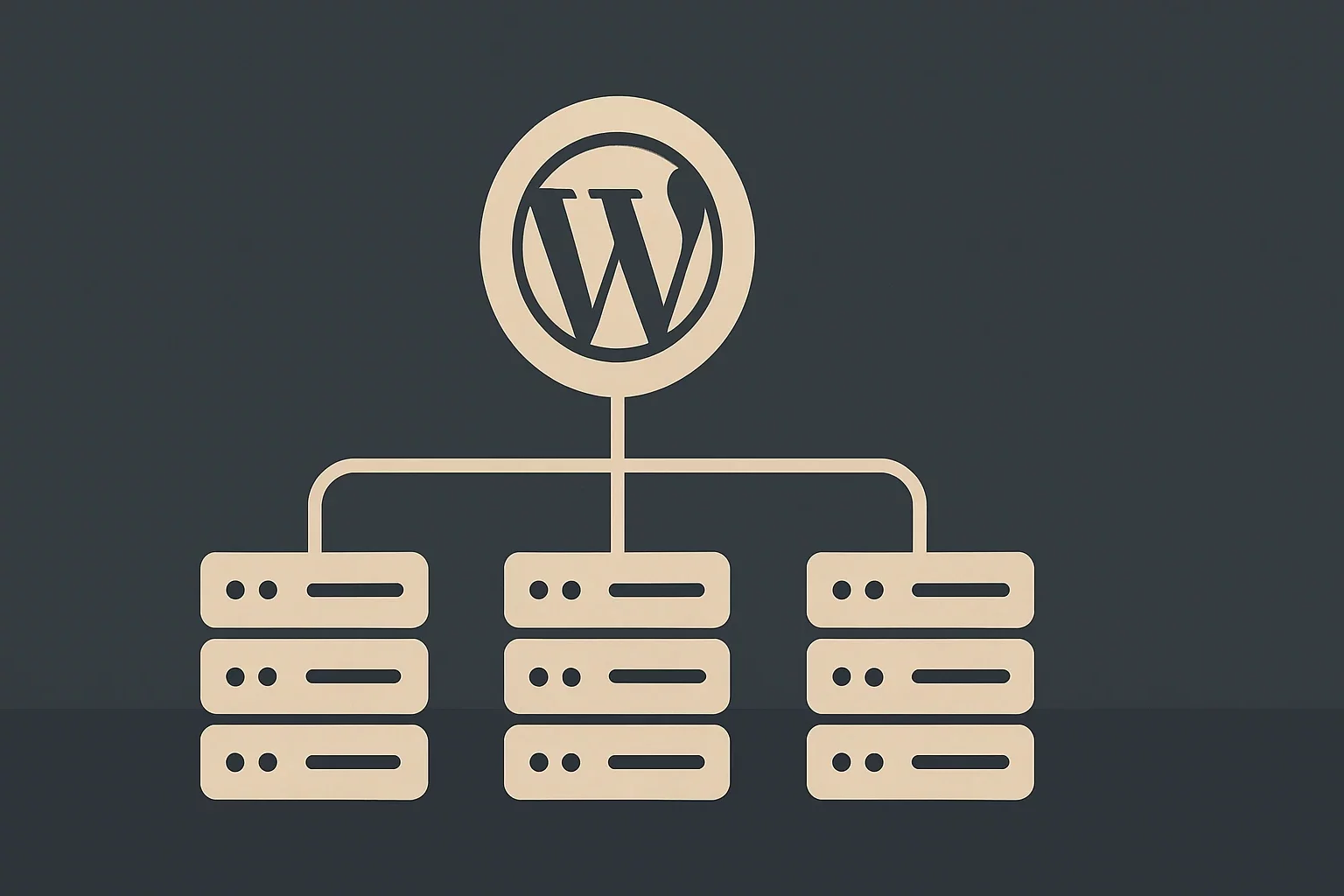
TL;DR — Multi-region WordPress infrastructure for global brands typically uses: (1) Cloudflare/Fastly CDN with edge caching globally — serves cached HTML and assets from nearest PoP, (2) WP installs in 2-3 regions (US-East, EU-West, APAC) with read-replica MySQL synced via DMS/native replication, (3) primary writes routed to one region, (4) regional content variants via WPML or Polylang, (5) georouting at the DNS layer (Cloudflare Geo Steering, Route 53). Managed providers (WP VIP, Pantheon Multi-region) handle this complexity. DIY only at $10M+ revenue scale.
Imagine launching a global e-commerce brand where your US customers experience lightning-fast load times from servers in Virginia, while your UK audience connects seamlessly to data centers in London, and Canadian visitors pull content from Toronto—all powered by a single, unified WordPress setup. This is the power of WordPress multi-region hosting, a game-changer for businesses expanding across borders without the headaches of fragmented infrastructure.
In today’s digital landscape, where user expectations for speed and reliability are non-negotiable, traditional single-server WordPress sites fall short for international operations. Latency spikes, regional compliance issues, and skyrocketing maintenance costs can cripple growth. Enter multi-region infrastructure: a sophisticated blend of WordPress Multisite, cloud hosting, and edge computing that distributes your site’s resources geographically. At Belov Digital Agency, we’ve engineered dozens of these setups for clients in the USA, UK, and Canada, delivering up to 70% faster global performance while slashing operational overhead.
This comprehensive guide dives deep into building robust WordPress multi-region hosting systems. We’ll cover architecture, implementation, optimization, real-world case studies, and best practices to help you scale effortlessly.
Why Multi-Region WordPress Hosting is Essential for Global Growth
Global businesses face unique challenges: varying internet speeds, data sovereignty laws like GDPR in Europe or PIPEDA in Canada, and the need for 24/7 uptime. Single-region hosting means visitors in distant locations endure high latency—every second of delay costs conversions, with studies showing 53% of mobile users abandoning sites that take over three seconds to load.
WordPress multi-region hosting solves this by replicating your site across multiple geographic zones. Core benefits include:
- Reduced Latency: Content served from the nearest data center, improving Core Web Vitals and SEO rankings.
- High Availability: Automatic failover if one region goes down, ensuring 99.99% uptime.
- Scalability: Handle traffic surges in one region without affecting others.
- Cost Efficiency: Shared resources via Multisite cut hosting bills by up to 60% compared to separate installs.
- Compliance: Store data locally to meet regional regulations.
WordPress Multisite forms the backbone, allowing a single installation to power multiple region-specific sites (e.g., us.yoursite.com, uk.yoursite.com) with shared core files, themes, and plugins. Pair it with cloud providers like Kinsta for managed hosting or AWS Global Infrastructure for custom multi-region deployments, and you have enterprise-grade resilience.
Core Components of a Multi-Region WordPress Architecture
Building WordPress multi-region hosting requires layering technologies strategically. Here’s the stack we recommend at Belov Digital.
WordPress Multisite as the Foundation
Multisite enables one dashboard to manage dozens of sites, sharing a single WordPress core and database while isolating content via prefixed tables (e.g., wp_us_posts, wp_uk_posts). Activate it via wp-config.php edits and .htaccess rules, then map domains for regional branding.
For domain mapping, plugins like Domain Mapping System simplify assigning unique domains per subsite, essential for SEO and user trust. Security tip: Install SSL on every domain using Let’s Encrypt for free certificates.
Cloud Hosting Providers Optimized for Multi-Region
Choose hosts with global data centers. Kinsta, powered by Google Cloud, offers 35+ regions with one-click Multisite support. Alternatives include:
- Pantheon: Git-based workflows and automatic scaling for Multisite.
- WP Engine: Enterprise plans with multi-region replication.
- DigitalOcean App Platform: Affordable droplets across 14 data centers.
- Google Cloud WordPress: Anthos for hybrid multi-region setups.
WordPress.com itself lets you pick regions like US East or EU West, but for full control, self-hosted Multisite shines.
Content Delivery Networks (CDNs) for Edge Acceleration
CDNs cache static assets globally. Integrate Cloudflare or KeyCDN with Multisite for dynamic content purging per region. This cuts TTFB (Time to First Byte) by 50-80%.
Database and Caching Strategies
Use primary-replica replication: Master DB in your primary region, read replicas in others. Tools like HyperDB route queries. Add Redis via Redis for object caching, requiring 4GB+ RAM per Pantheon guidelines.
Step-by-Step Guide to Setting Up WordPress Multi-Region Hosting
Follow this blueprint, tested on live client projects.
- Prepare Your Environment: Backup existing site. Edit wp-config.php: define(‘WP_ALLOW_MULTISITE’, true);. Run Network Setup in wp-admin.
- Configure Domains: Add A/CNAME records pointing all regional domains to your host’s load balancer.
- Enable Multisite: Choose subdomains or subdirectories. Install domain mapping plugin and assign via Network Admin.
- Set Up Regions: Create subsites (e.g., /wp-admin/network/sites.php). Customize themes/plugins per site.
- Deploy CDN and Caching: Integrate Cloudflare, enable Redis/Memcached.
- Replicate Infrastructure: Use host dashboards (e.g., Kinsta’s) to mirror environments across regions.
- Test Failover: Simulate outages with tools like Loader.io.
- Monitor: New Relic or host analytics for per-region metrics.
For advanced setups, our WordPress Multisite services handle DNS propagation and SSL wildcard certs.
Real-World Case Studies: Multi-Region Success Stories
Global Retailer: From Single-Site Chaos to Seamless Expansion
A US-based fashion brand approached Belov Digital struggling with 5-second load times for European customers. We migrated to Multisite on Kinsta with regions in US East, EU West, and Canada Central. Shared media library (custom Convertiv-inspired plugin) eliminated duplicates. Results: 65% latency drop, 22% sales uplift in UK/Canada. Centralized updates saved 40 hours/month.
Enterprise Corp: Regional Compliance with Brand Unity
A Canadian financial firm needed GDPR/PIPEDA compliance across USA, UK, Canada. Multisite with AWS multi-region (us-east-1, eu-west-2, ca-central-1) and HyperDB ensured data locality. Super Admin enforced security plugins network-wide. Outcome: Zero compliance violations, 99.99% uptime during Black Friday peaks.
Agency Portfolio: Scaling Client Networks
We built a Multisite for a UK marketing agency managing 20 client sites. Pantheon hosting with domain mapping allowed instant onboarding. Shared resources cut costs by 55%; analytics dashboard tracked per-site performance.
Best Practices for Security, Performance, and Maintenance
Security in Multi-Region Setups
Vulnerabilities in one site risk the network. Enforce:
- Network-wide updates via Super Admin.
- 2FA with Two Factor.
- Automated backups via UpdraftPlus.
- Strict roles: Regional admins can’t touch core plugins.
Performance Optimization
– PHP 8.3+, Redis object caching.
– Image optimization with ShortPixel.
– Lazy loading and AMP for mobile regions.
Multilingual and Regional Customization
Pair Multisite with Polylang Pro for per-site languages. Regional teams edit content independently while Super Admins control branding.
Read our in-depth post on WordPress Multisite security best practices for more.
Common Pitfalls and How to Avoid Them
– Plugin Conflicts: Test network-activated plugins rigorously.
– Database Bloat: Prune old revisions; use separate DBs for high-traffic sites.
– Scaling Limits: Monitor RAM/CPU; migrate to Kubernetes for 100+ sites.
– Backup Oversights: Schedule full network snapshots weekly.
Future-Proofing Your Multi-Region WordPress Infrastructure
As edge computing evolves, integrate serverless functions via Vercel for dynamic regions. Headless WordPress with Next.js fronts Multisite for ultra-low latency. Stay ahead with Belov Digital’s consultation services.
Multi-region WordPress hosting transforms global operations from a liability into a superpower—centralized control, blazing speed, unbreakable resilience. Whether you’re a startup eyeing international markets or an enterprise streamlining portfolios, this architecture delivers ROI from day one. Ready to build yours? Contact Us at Belov Digital for a free audit and custom roadmap tailored to USA, UK, or Canadian needs.







